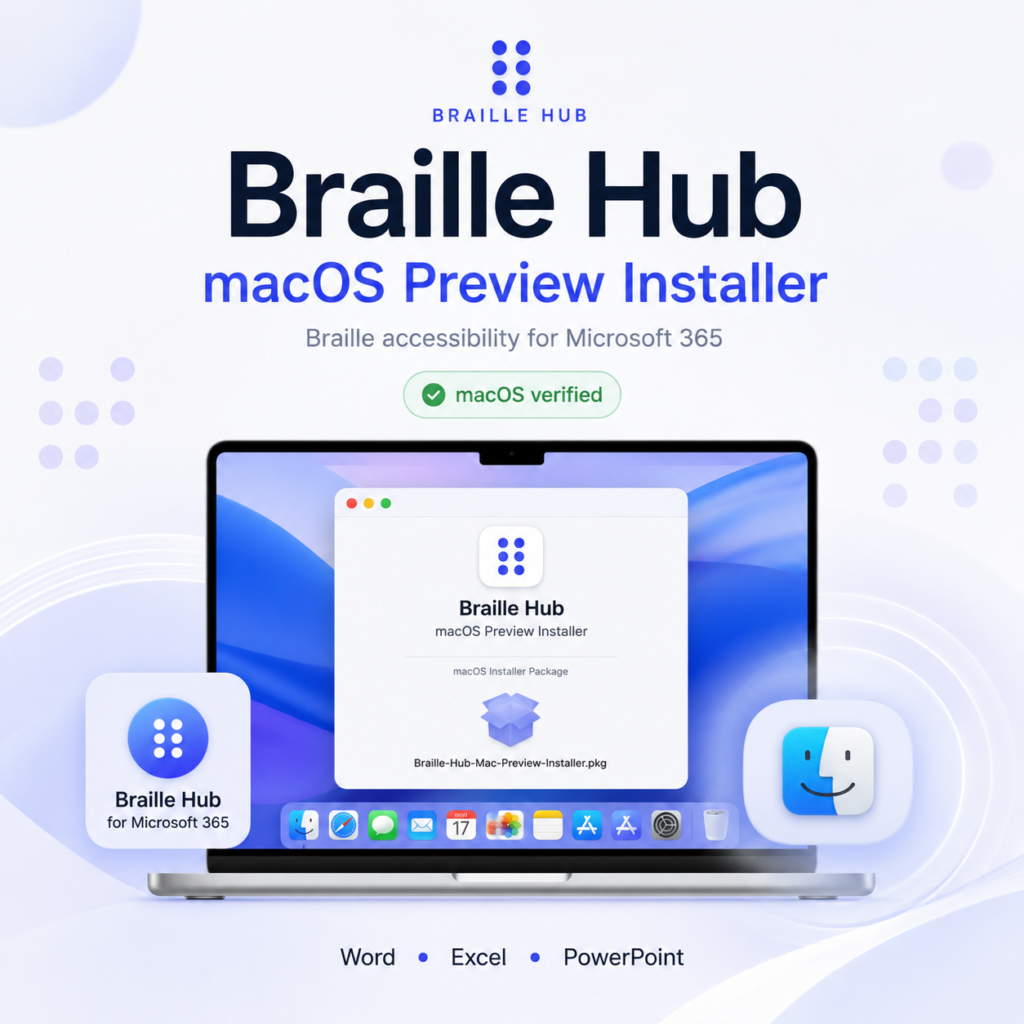
Direct Microsoft 365 Installation with a Native .pkg Package
Braille Hub now includes a dedicated macOS installation path for its Microsoft 365 Add-in. The goal of this installer is simple: make the Office integration easier to deploy on a Mac without changing the architecture of the product itself.
Braille Hub is not a standalone native macOS translation engine. The core translation logic remains platform-independent and shared across the project. The macOS package is a deployment layer around the production Microsoft 365 manifest. It installs the Braille Hub Office Add-in into the supported Microsoft Office sideload locations for the current macOS user.
This approach keeps the product architecture clean: Microsoft 365 remains a host integration, while Braille semantics stay in the shared Core, Music and SDK layers.
Why a macOS installer was added
Office Add-ins on macOS can be installed manually by placing a manifest file in the appropriate Office wef directory. That method works, but it is not particularly friendly for people who simply want to test or use the product.
The Braille Hub macOS installer automates this deployment step.
Instead of asking the user to manually locate several container directories and copy an XML manifest into them, the .pkg installer performs the placement for the supported Office applications.
The package currently targets Microsoft Word, Microsoft Excel and Microsoft PowerPoint for macOS.
The package is architecture-neutral. There is no separate Intel build and no separate Apple Silicon build because the installer does not contain a native CPU-specific Braille engine executable. It deploys the Office manifest and related installation logic.
Download
Direct macOS installer:
Release page:
https://github.com/soroushneyestani/Braille-Hub/releases/tag/mac-preview-v18.0.0-rc1
Public installation page:
https://soroushneyestani.github.io/Braille-Hub/install.html
Project repository:
https://github.com/soroushneyestani/Braille-Hub
What the package installs
The package uses the production Braille Hub Microsoft 365 manifest rather than the localhost development manifest.
The production Add-in manifest is hosted here:
https://soroushneyestani.github.io/Braille-Hub/install/manifest.xml
During installation, the package detects the current console user and determines the corresponding home directory. It then installs the Braille Hub manifest into the supported Microsoft Office sideload locations when the relevant Office applications are available.
The deployment targets are the Office wef directories for Word, Excel and PowerPoint.
The installer is deliberately scoped to Braille Hub. It does not remove unrelated Office Add-ins. When it needs to replace an earlier Braille Hub sideload manifest, it identifies the Add-in by its own exact Add-in ID rather than deleting arbitrary XML files.
Real-Mac validation
The package was built through the Braille Hub GitHub Actions macOS workflow and was subsequently installed and tested on a real Mac.
The live installation test confirmed that the Add-in can be installed through the package and made available in Microsoft Office.
This was the final validation gate for the macOS distribution phase. The live installation path is verified.
What Braille Hub provides on macOS
The macOS package installs the same Microsoft 365 Add-in used by the wider Braille Hub platform. The Add-in is connected to the shared SDK and translation engines instead of implementing a separate Mac-specific translator.
Persian text to Braille
Braille Hub contains a specification-driven Persian Braille translation engine. Persian text can be translated to Unicode Braille through the same shared Core used by the SDK and Microsoft 365 integration.
Persian Braille to Persian text
The project also includes a stateful reverse-translation path for Persian Braille. Reverse translation is handled with explicit ambiguity policies rather than pretending that every Braille sequence has only one possible textual interpretation.
English and Latin text
The current Latin path supports ordinary uncontracted six-dot Braille behavior for English/Latin text.
It should not be confused with a complete contracted UEB/Grade 2 English implementation.
German Braille
Braille Hub includes a dedicated German Braille implementation with:
- Basisschrift
- Vollschrift
- Kurzschrift
- Germany/Austria behavior
- Swiss behavior
The German implementation is exposed in Microsoft 365 through the same shared public SDK architecture.
MIDI to Braille Music
Braille Hub can process MIDI files and translate musical information into Braille Music.
The Microsoft Word integration provides a dedicated Music workflow for loading MIDI data, selecting the appropriate source line where necessary, previewing the Braille Music result, and inserting the exact successful preview into the document.
MusicXML and MXL to Braille Music
A separate MusicXML workflow supports .musicxml, .xml, and compressed .mxl input through the project’s bounded MusicXML compatibility profile.
The MusicXML interface is intentionally separated from the MIDI interface. Both use the shared music layer, but they remain distinct user-facing workflows.
Microsoft Word, Excel and PowerPoint
The Add-in supports three Microsoft 365 desktop hosts.
Word provides the richest interaction surface, including text translation, German Braille, MIDI/Braille Music, MusicXML/Braille Music, copy, replacement and supported insertion workflows.
Excel supports translation of plain-text cell selections through the same SDK. Formula cells are deliberately not treated as ordinary editable text selections.
PowerPoint supports text-range translation and replacement through its own host adapter.
The host-specific code does not own Braille translation rules. It obtains the selected source content, delegates translation to the public SDK, and writes the exact successful Unicode Braille result back through the Office host APIs.
Installation model
Braille Hub currently uses a manual/sideload preview distribution for Microsoft 365.
The project has a production-hosted manifest and public installation infrastructure, but the Add-in has not yet been published through Microsoft Marketplace.
The macOS .pkg therefore provides installation convenience for the current distribution model. It does not claim Microsoft Marketplace certification.
Signing and notarization
The current preview package does not claim Apple Developer ID signing or Apple notarization.
Those are separate distribution-hardening steps and are not represented as completed in the current release.
Uninstallation
The release also includes a Braille Hub uninstall command:
The uninstaller is scoped to Braille Hub manifests. It searches the supported Office sideload locations and removes XML manifests that contain the exact Braille Hub Add-in ID.
It does not intentionally remove unrelated Office Add-ins.
After installation or uninstallation, Microsoft Office applications should be restarted so that Office reloads the sideload configuration.
Shared architecture
The important part of this release is not simply that there is a Mac installer.
The important part is that macOS is now another deployment target for the same shared Braille Hub platform.
The architecture can be summarized as:
Microsoft 365 → SDK → Core
↘ Music
The Office layer handles host integration. The SDK exposes public translation functionality. The Core owns text Braille behavior. The Music package owns MIDI, MusicXML and Braille Music behavior.
This separation avoids maintaining independent Persian, German or music translation logic for Word, Excel, PowerPoint, Windows and macOS.
Current macOS status
- production manifest: available
.pkginstaller: available- GitHub Actions macOS build: passing
- release asset: published
- real Mac installation: verified
- Word/Excel/PowerPoint sideload targets: implemented
- Apple signing/notarization: not claimed
- Microsoft Marketplace publication: pending as a separate publication step
Final note
Braille Hub started as a Persian Braille project and evolved into a broader text and music accessibility platform.
The addition of the macOS installer completes an important part of that evolution. The same accessibility engine can now be distributed to Microsoft 365 users on Windows, on the web, and on macOS while keeping translation semantics in one shared, testable codebase.
For the latest installation information: